Paste your website
Frame24 reads your positioning, product detail, colours, type and logo, and proposes a few distinct stories to tell.
Explainer video maker
Frame24 is an AI explainer video maker for software and products. It writes the story, animates your real interface in your brand, adds a voiceover and music, and hands you a finished film you can revise by describing changes.
Three 30-second films · Card required · No generated media
In plain terms
Agency or self-serve
A self-serve product film and a commissioned production solve different jobs. Choose by the source material, level of art direction and revision process you need, rather than an invented saving.
| Decision | Consider an agency | Consider Frame24 |
|---|---|---|
| Source material | You need filming, interviews or bespoke illustration | You have a website, brand and real product interface |
| Creative control | You want a team to develop and execute a bespoke production | You want to review proposed stories and direct scene changes yourself |
| Deliverables | Your brief needs a negotiated mix of production and source assets | You need a narrated product film and social aspect ratios |
| Budget | Ask for a quote covering the brief and revision scope | Review the published plans and card-required trial |
How it works
The parts of an explainer brief that a studio would ask for are already on your website.
Frame24 reads your positioning, product detail, colours, type and logo, and proposes a few distinct stories to tell.
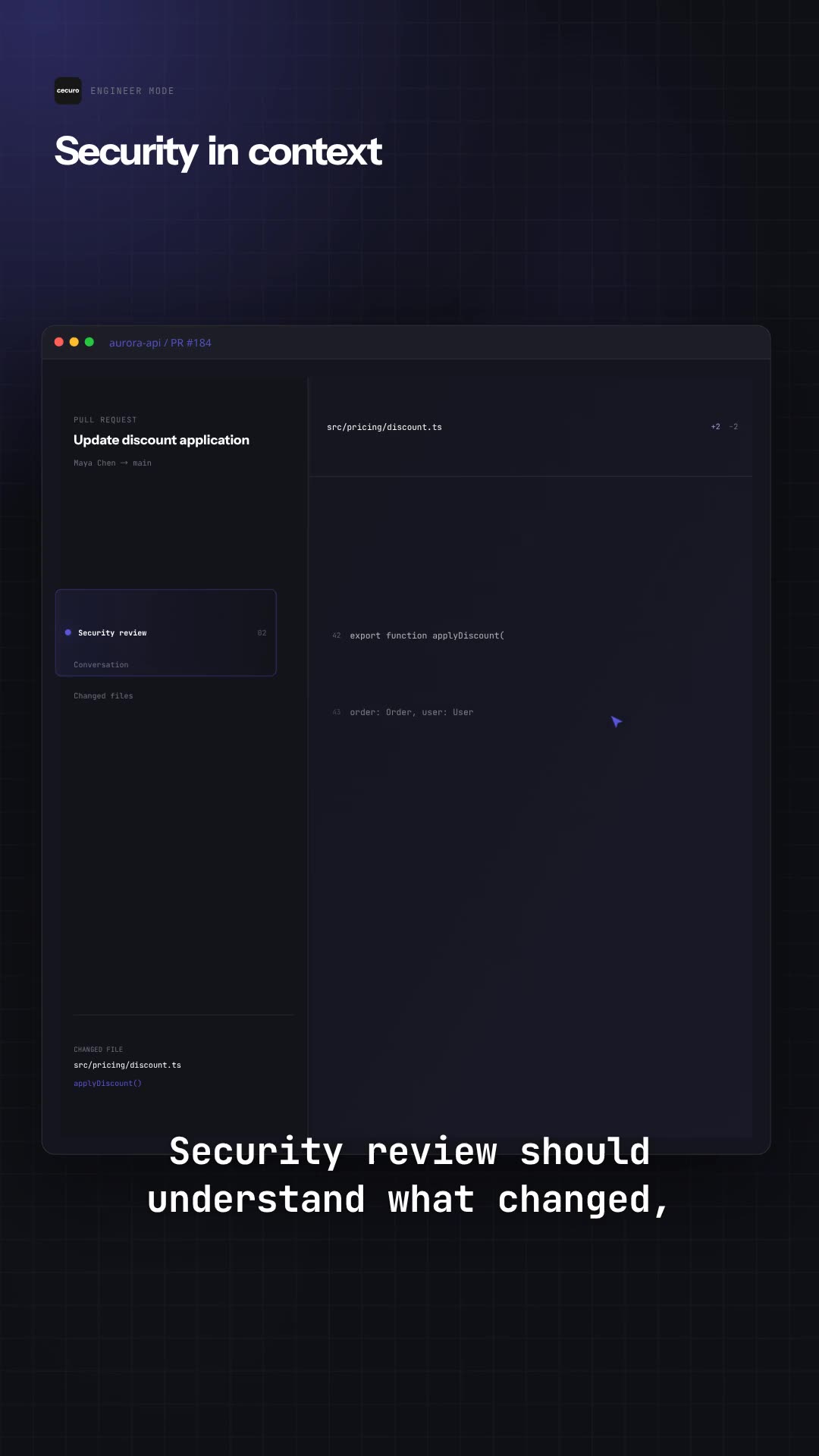
Screens captured from your running app — in Frame24's secure browser or by your coding agent — become the scenes the explainer animates.
Watch the film in the browser, describe any change in plain words, and render the version you approve.
How to make an explainer video
Whichever tool you use, these decide whether people finish the film and remember the product.
A homepage visitor, a prospect after a sales call, a new user on day one. One viewer gives the film one job; three viewers give it none.
Open on the problem in the buyer's words, show the one mechanism that solves it, end on the result. Cut every feature that is not the mechanism.
30 seconds lands one idea on a homepage or in an ad; 60 seconds shows a workflow with a few steps. Longer belongs in onboarding or a demo.
A buyer trusts the actual interface over an illustration of it. Capture the screens that prove the mechanism, with demo data rather than a real customer's.
Most feeds play muted. Captions carry the narration, and the key words should be on screen when the voice says them.
Above the fold on the homepage, in the sales follow-up email, in the first-run screen. Cut vertical and square versions for social from the same film.
Explainer video cost
The spread is mostly bespoke design time and rounds of revision, not footage. These are typical quotes, not fixed prices; get a quote for your own brief.
| Route | Typical cost | What you are paying for |
|---|---|---|
| Production company | $5,000–$15,000 a demo film; $8,000–$50,000+ a brand film | Strategy, script, bespoke design, licensed music, several rounds of notes |
| Freelance motion designer | $1,500–$6,000 | One designer's time; you write the brief and direct |
| Template or AI tool | $0–$100 a month | Speed; you assemble the story and the look yourself |
| Frame24 | $20 a 30-second film, or plans from $39 a month | Story, scenes around your real product, voice, music and captions, revised by describing changes |
The full breakdown, including the costs that never appear in a quote: what a product video costs. Every Frame24 plan is listed on the AI video generator pricing page.
SaaS and software explainers
Software is hard to explain because the value happens inside the interface. That is why a software explainer video works best built from your real screens rather than from icons standing in for them.
| Where it plays | Length | What it has to show |
|---|---|---|
| Homepage | 30 seconds | The problem, the one mechanism, the outcome |
| Launch or feature release | 30–60 seconds | What changed and the screen where it shows |
| Sales follow-up | 60 seconds | The workflow the buying committee did not see live |
| Onboarding | 30–60 seconds | The first task a new user should finish |
The scene-by-scene shape of one: SaaS explainer video. When the job is a full walkthrough instead, see the software demo video maker.
What you get
One problem, the mechanism that solves it, the outcome — in your own language, from how your site describes the product.
The screens move, zoom and point at the moments that matter, so viewers see how the product actually works.
Colours, typography and logo applied to every scene, caption and title.
A narrator you choose, music and sound design, and captions, produced with the film.
A short explainer for a homepage or ad, or a longer one for a workflow with several steps.
Say what should change in any scene; it is rewritten, not re-recorded.
Straight answer
Finished films
Each began with a company's own website and product.
Use Frame24 from your AI assistant
Connect Frame24 to ChatGPT, Claude, Gemini or a coding agent in about two minutes. Your assistant can understand the product, capture the right screens, review the film and keep the whole process in the conversation.
Choose your assistant and connect itclaude mcp add --transport http frame24 https://studio.frame24.app/api/mcpStart Claude Code, type /mcp, choose frame24 and Authenticate. Sign in to Frame24 in the browser tab that opens and click Allow.
Questions
Choose by the explanation you need. A product-led motion-graphics film suits a short homepage or launch message; an avatar suits presenter-led training, and an interactive demo suits a buyer who needs to explore. Frame24 is an AI explainer video generator for the first job: your website, brand and real interface become a narrated film you review and revise.
Yes. Frame24 composes motion graphics around your brand, copy and captured product UI. It does not produce whiteboard drawings or character-led cartoons. Use a character-animation tool when an illustrated cast is essential.
One that shows the product rather than illustrating it. Frame24 makes animated explainers from your website and your real interface: it writes the story, designs motion-graphics scenes in your brand around your screens, adds a narrator and music, and lets you change any scene by describing what you want.
Paste your website. Frame24 reads your positioning and brand and proposes a few ways to tell the story. Pick one, capture your app's real screens in Frame24's secure browser (or have your coding agent capture them), and Frame24 builds the animated film. You review it in the browser and revise scenes in plain language.
30 seconds for a homepage or an ad, where it has to land one idea; 60 seconds when it has to show a workflow with a few steps. Frame24 makes both lengths.
Agencies typically quote thousands for an animated explainer. Frame24 starts with a 3-day trial (card required) that includes three 30-second films; plans start at $39 a month, and a single 30-second film download is $20.
A short film, usually 30 to 90 seconds, that tells a buyer what problem a product solves, shows the mechanism that solves it, and ends on the outcome. A product explainer shows the product itself; a brand explainer can stay abstract. For software, the strongest proof is the real interface doing the work.
Frame24 has no free plan. The 3-day trial (card required) makes three 30-second films to watch and share; downloading one is $20, or included in plans from $39 a month. Free tools exist, usually template- or stock-based, and are worth trying when the explainer does not need to show your own product.
No. Explainers are motion graphics built around your product, brand and copy. If your story needs illustrated characters, a character-animation tool is the better fit.
Paste your URL and see the first cut. Three 30-second films on a 3-day trial.
Start your trial Three 30-second films · Card required · No generated media